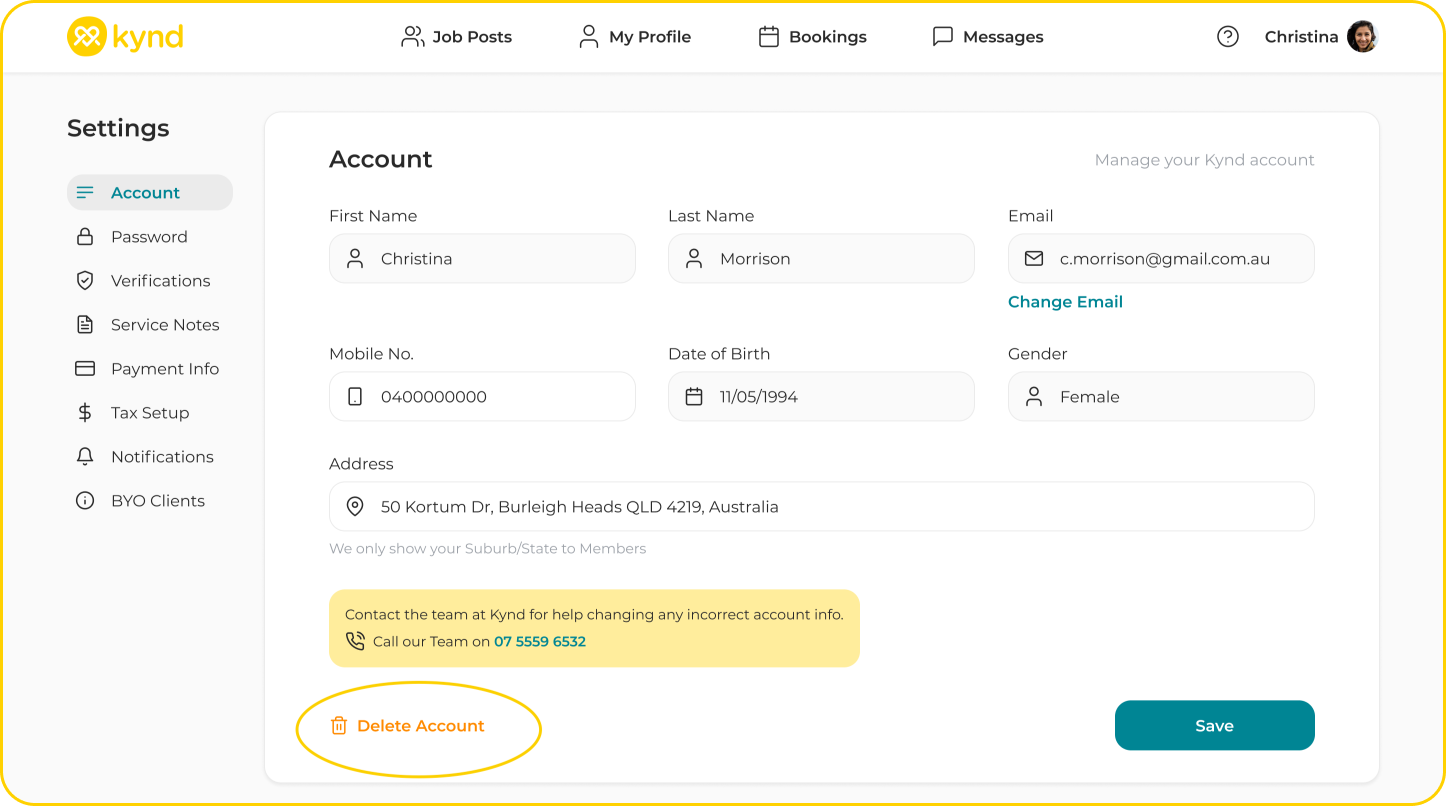

You can delete your Kynd account via your Profile Setting Menu > Account.
Select 'Delete Account' at the bottom of your Account page.
Note: You will not be able to delete your account until all active bookings are Cancelled, and Approved bookings have been settled.